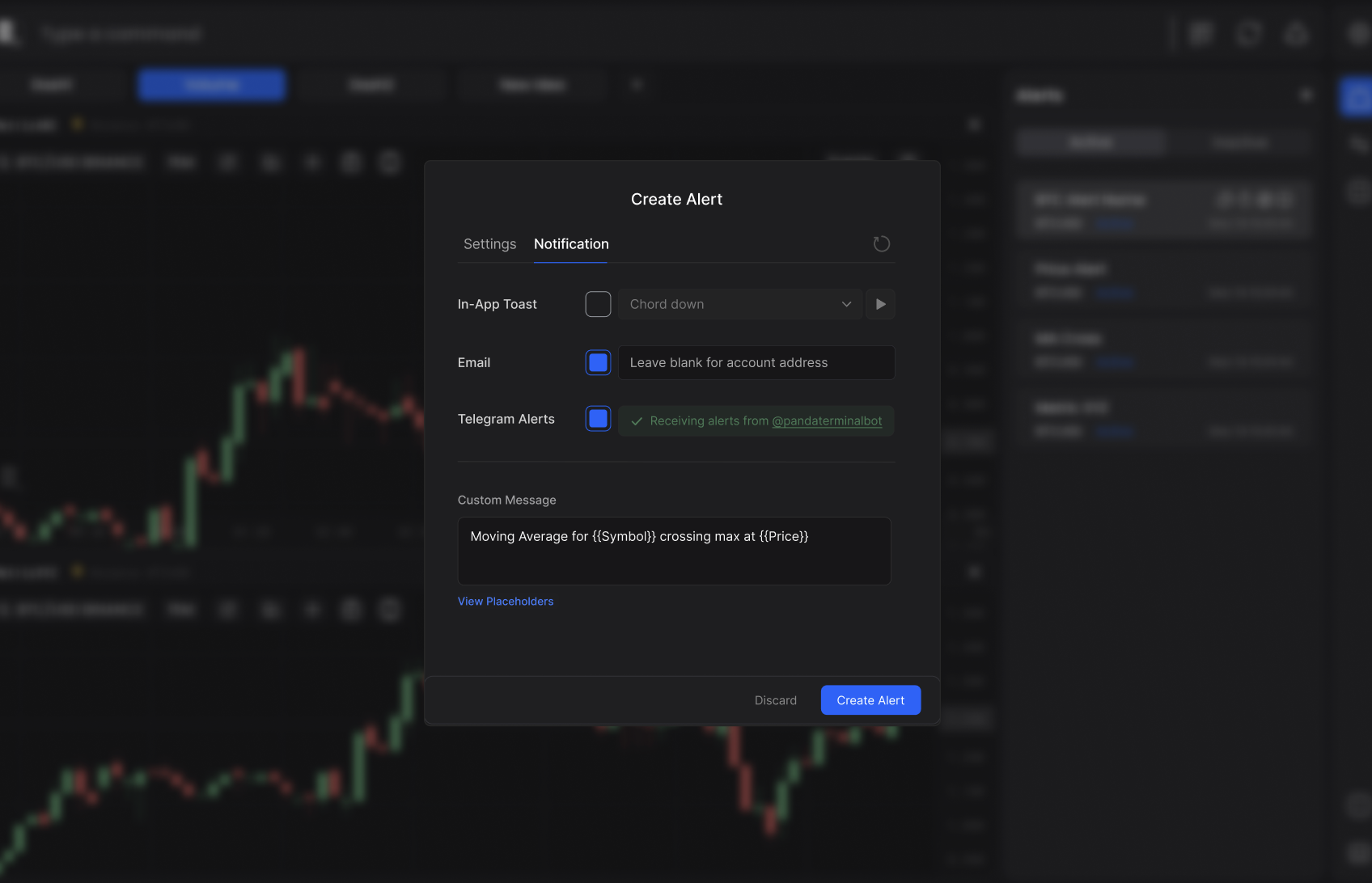
Setting Up Telegram Alerts
You can receive alerts directly to your Telegram following these simple steps. To get started, create a new alert in PANDA Terminal and navigate to Notification Settings.
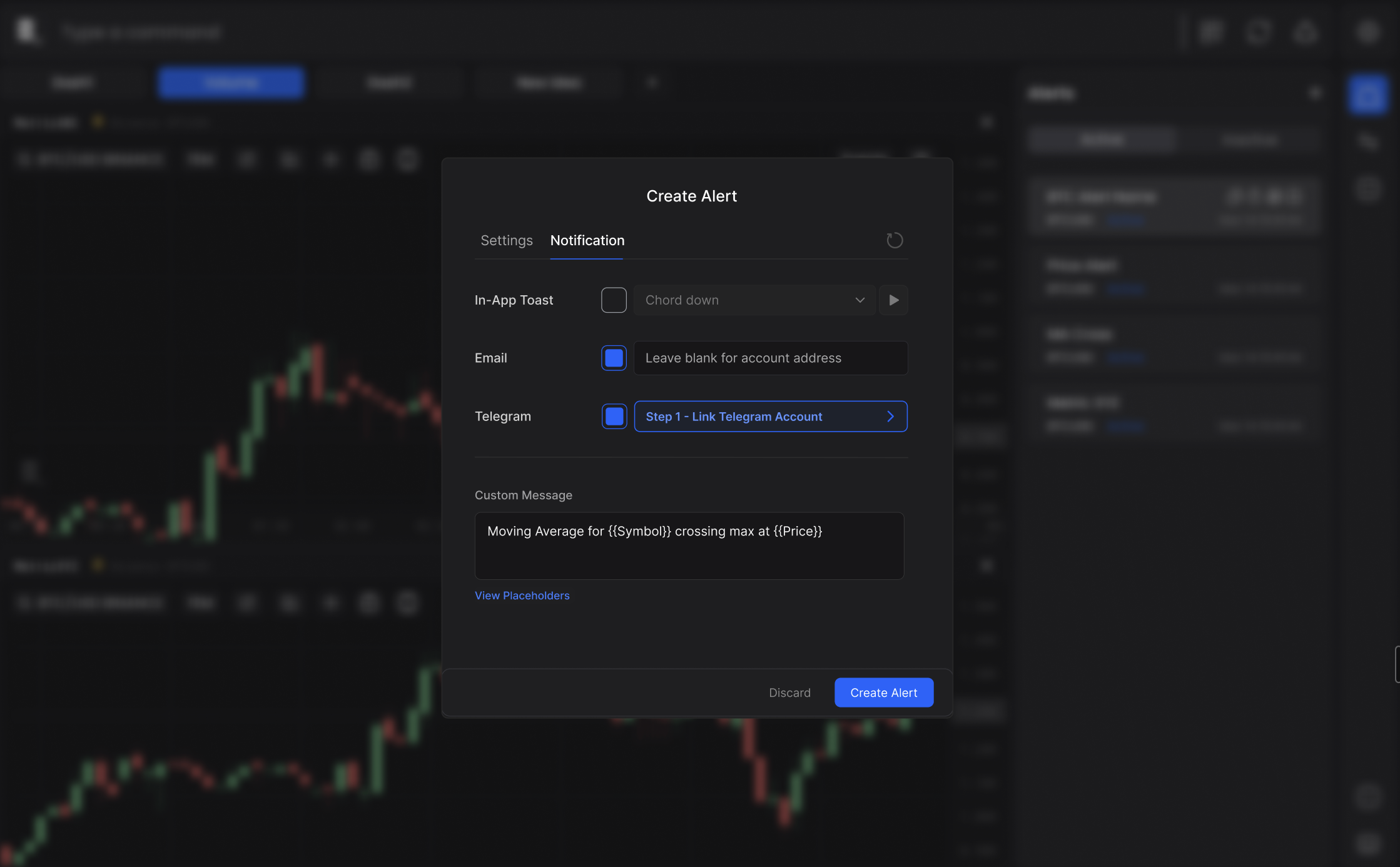
Step 1: Link Your Telegram Account
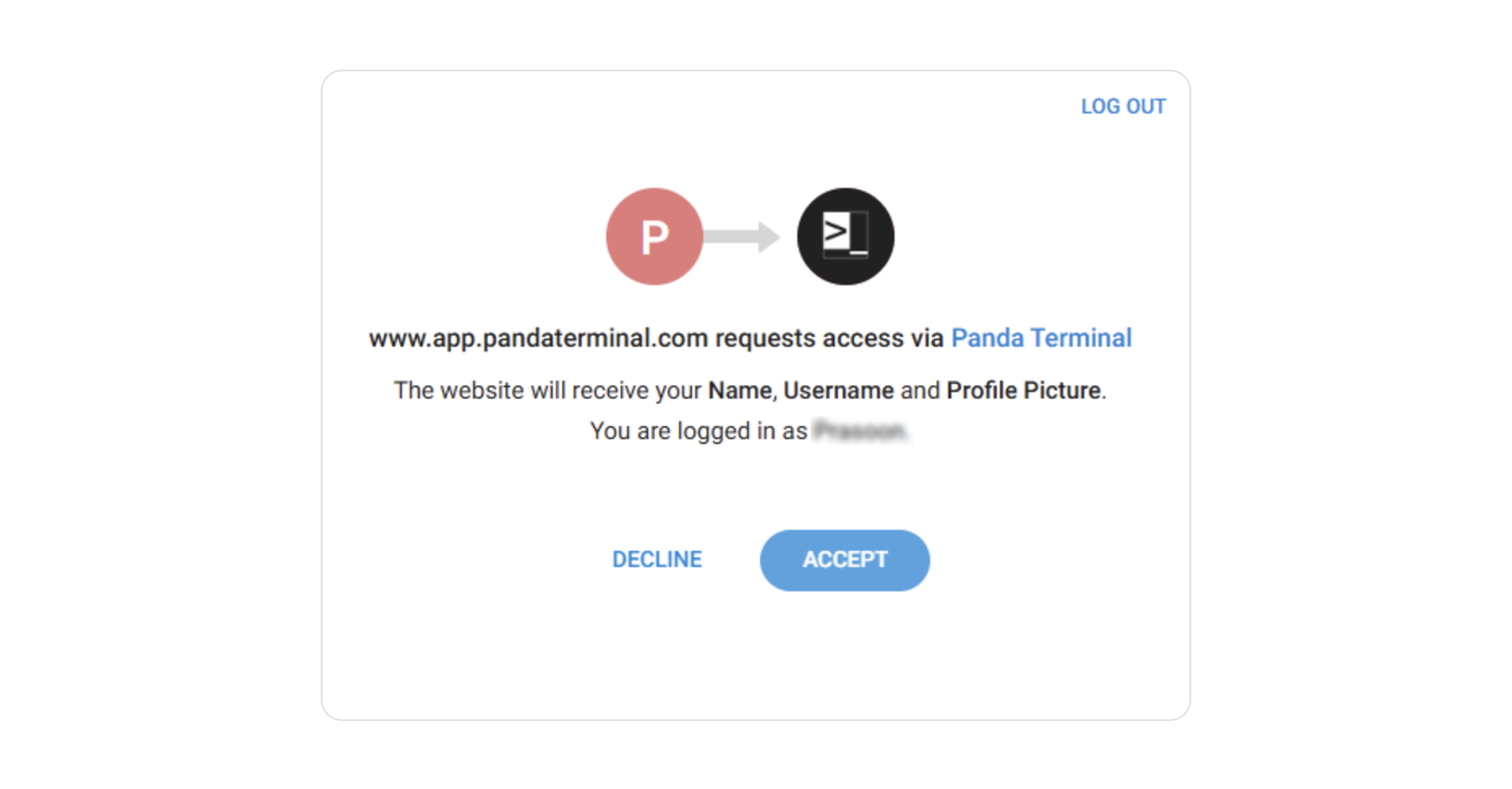
Select Telegram as your notification channel and complete the secure account linking. Your connection is encrypted and secure.
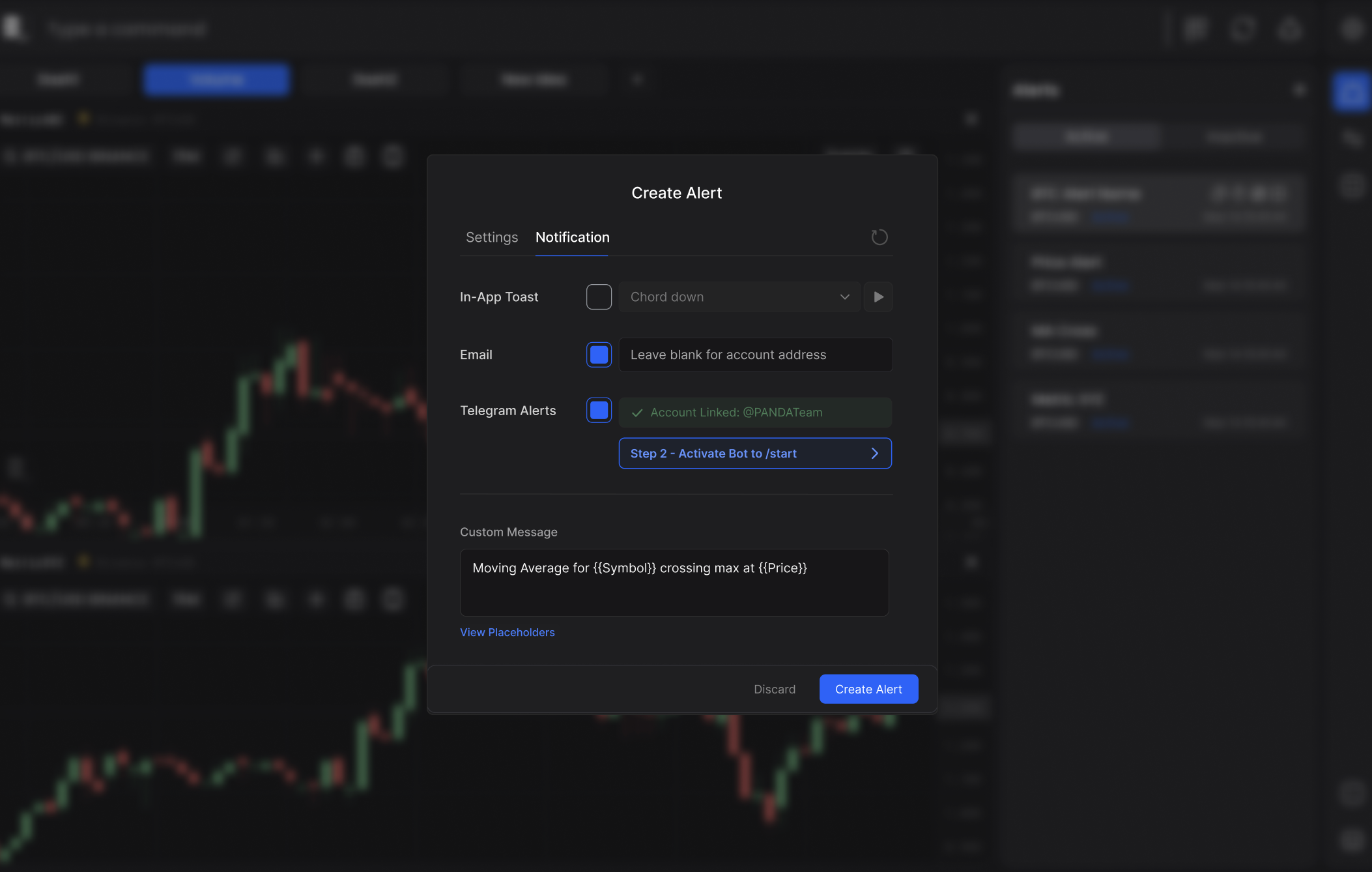
Step 2: Activate the Bot (Required)
Start the bot by sending /start to the @PANDA Terminal bot using the Telegram account you just linked. This activates the bot and is necessary to receive alerts.
You're All Set! Alerts will now be sent to your linked Telegram account with your configured messages.